REVIEW · NAPLES
Campania: Pompei+Herculaneum+Vesuvius audio guide
Book on GetYourGuide →Operated by ITGUIDES · Bookable on GetYourGuide
One phone, three big ruins, and a volcano. This Campania audio guide package turns your smartphone into a self-guided lecturer for Pompeii, Herculaneum, Vesuvius, and Naples.
What I like is the way it bundles a lot of sites into one setup, so you are not juggling multiple apps or downloads. The big win is geolocation with maps that helps you find your way to outdoor points of interest without stopping every ten minutes.
The main catch: the iOS app can be buggy, especially if you switch out to the camera or maps, because it may reset audio and your chosen screen. It can still work, but it’s the kind of thing you should plan around with earphones and patience.
In This Review
- Key things that make this audio guide package practical
- Campania by Audio: What the ITGUIDES App Actually Does
- Price and Value: Why $11 Can Make Sense for Campania
- Download, Redeem, and Use: Your Smartphone Gets the Work
- Pompeii at Your Pace: Big Domus, Menandro, and House of Cervi
- Herculaneum Ruins: Smaller Footprint, Same Audio Clarity
- Vesuvius Plus the Big Museum Day: MANN in One App
- Villa di Poppea (Oplontis): The Stop That Can Feel Like a Bonus
- Naples City Center: Turning Transit Into Learning
- Support, App Quirks, and What to Do if It Goes Off Track
- Who This Is Best For (and Who Should Skip It)
- Should You Book This Campania Audio Guide Package?
- FAQ
- What sites are included in the Campania audio guide?
- Are entrance tickets included with this experience?
- Do I need a smartphone to use this audio guide?
- Will I have a meeting point?
- How do I get the audio guides after I purchase?
- Is there support if the app doesn’t work right?
Key things that make this audio guide package practical
- One purchase covers Pompeii, Herculaneum, MANN, Vesuvius, Oplontis (Villa di Poppea), Naples city center
- Geolocated audio helps you reach outdoor points of interest without guessing
- Complex areas are split into sections, so long visits don’t turn into one giant blur
- Support via WhatsApp inside the app if you get stuck
- You download once, then keep the audio for future use
- Overall value is strong compared with buying separate audio guides on-site
Campania by Audio: What the ITGUIDES App Actually Does
This is a fully online audio guide product delivered through the ITGUIDES app. After you buy, you can start using it right away, turning your phone into your guide as you walk.
You’re using your own smartphone, which is a practical perk. It also means your device is the one you control for volume, screen brightness, and navigation. If you have earphones, great. If you don’t, you’ll still be fine, but you’ll hear more distractions.
The biggest “how it feels” difference is structure. Big sites like Pompeii and Herculaneum can be overwhelming fast. Here, the content is broken into smaller sections so you can follow along more logically, instead of bouncing around with no sense of what you’re looking at.
Just be ready for a small piece of digital prep. The app notes that you should download the contents with a good signal or Wi‑Fi. I also recommend a power bank. Ruins + phone navigation can drain batteries quicker than you expect.
You can also read our reviews of more guided tours in Naples


Price and Value: Why $11 Can Make Sense for Campania

For the price point listed, this is mostly about coverage. You’re paying once for audio that spans major stops: Pompeii, Herculaneum, Vesuvius, Naples’s MANN museum, Oplontis (Villa di Poppea), plus Naples city center.
The package also claims savings of more than 50% versus buying each audio guide separately. Even if you never fully check that math for every ticket office option, the bundle idea is sound: you reduce hassle and you get consistent narration across multiple places in the same region.
A heads-up from the overall feedback: the rating sits at 3.6 out of 5 (based on 10 reviews). That doesn’t mean it’s unusable, but it does tell you to expect some friction with the app experience. If you’re the type who needs an extremely polished app every second, you may get annoyed.
Still, if your goal is independence—walk at your pace, hit the major attractions, and learn as you go—this package can be a good deal.
Download, Redeem, and Use: Your Smartphone Gets the Work
There’s no meeting point because this is self-guided. You buy, redeem, download the audio content, and you go to the sights.
To make the system work smoothly, plan it like this:
- Buy and redeem before you start your day at the sites.
- Download everything ahead of time using reliable Wi‑Fi or cellular.
- Bring a power bank, especially if you’ll use maps and geo tracking.
The app includes maps and geo localization to help you move from one point of interest to the next. For outdoor attractions, that matters. It can reduce the mental load of figuring out where you are in a huge archaeological landscape.
One more practical detail: the product is designed for Android or Apple smartphones. Best with earphones, but also workable without them.
And if something goes wrong, the app includes a WhatsApp contact for support. That’s useful because when an audio guide fails mid-walk, you don’t want to hunt for help outside your trip.
Pompeii at Your Pace: Big Domus, Menandro, and House of Cervi
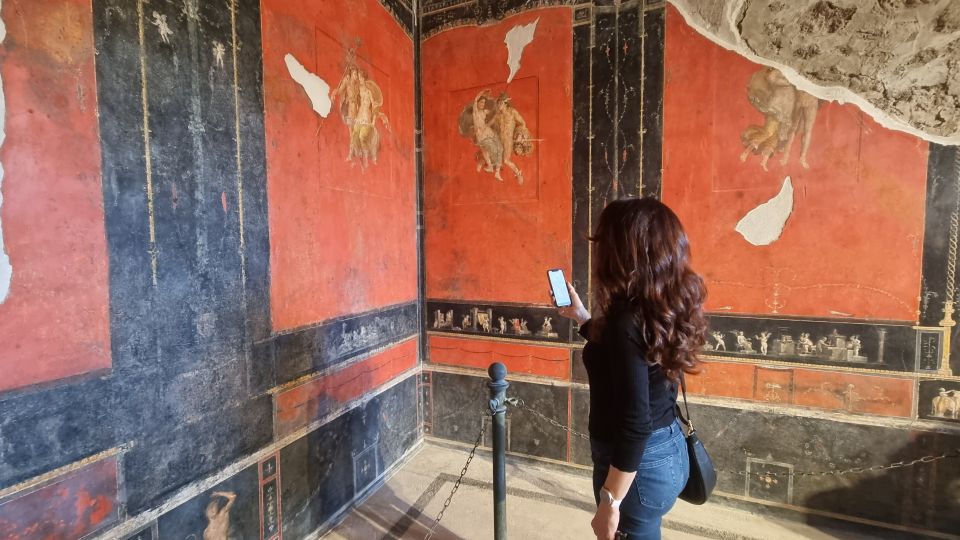
Pompeii is the kind of place where you either feel “yes, I get it,” or you feel lost fast. The audio guide helps by splitting larger, complex areas into sections.
Instead of forcing you to listen to one massive loop, it targets specific zones and breaks them up. The content you’ll see referenced includes things like the Big Domus, plus examples such as Menandro and the House of Cervi. That’s helpful because Pompeii can be visually similar from one street to the next, and audio structure gives you mental signposts.
What you’ll likely appreciate here is timing. As you walk, you can choose to spend more or less time on each section. This is not a fixed “tour schedule.” It’s built for your pace, which is a big plus if you want photos, rest breaks, or a slower read of details.
The drawback: if the app mislabels where you are (some locations aren’t flagged perfectly), your listening flow can get interrupted. You don’t need to panic, but you should be ready to re-check the map pin against what you’re physically seeing.
Also, remember that the app may behave differently depending on phone system. One iOS-related issue mentioned in feedback is that switching to other apps like the camera or maps can reset voice dialogues and your selected city/map.
Herculaneum Ruins: Smaller Footprint, Same Audio Clarity
Herculaneum can feel more contained than Pompeii, but it still has enough scale to make navigation tricky. The package includes Herculaneum Ruins with the same idea: break complicated areas into sections so you don’t lose the thread.
The content is again organized so you can follow along through key parts like Big Domus-style sections. It also references notable house collections and named areas similarly to Pompeii-style organization.
This matters because with ruins, your questions tend to change while you walk. At first, you want orientation. Then you want meaning: why this room, what this layout, what you’re seeing in front of you. If the audio is sectioned well, you can match the narration to what your eyes are actually landing on.
One thing to plan for: you’ll still be doing your own walking and timing. There’s no ticket or transportation included. So your best “success strategy” is to pair the audio with a simple plan: start early, wear comfortable shoes, and let audio guide your attention rather than trying to listen nonstop.
You can also read our reviews of more tours and experiences in Naples



Vesuvius Plus the Big Museum Day: MANN in One App
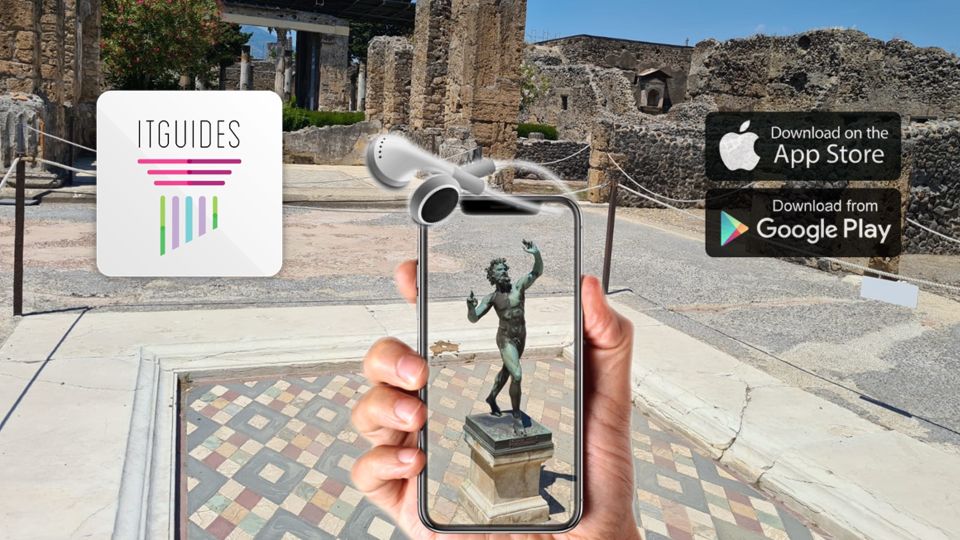
The bundle includes Vesuvius and MANN (Archeological Museum of Naples), plus other Naples stops. This is a smart pairing because Vesuvius is one kind of experience (outdoor, scenic, big atmosphere), and MANN is the “slow down and interpret” experience.
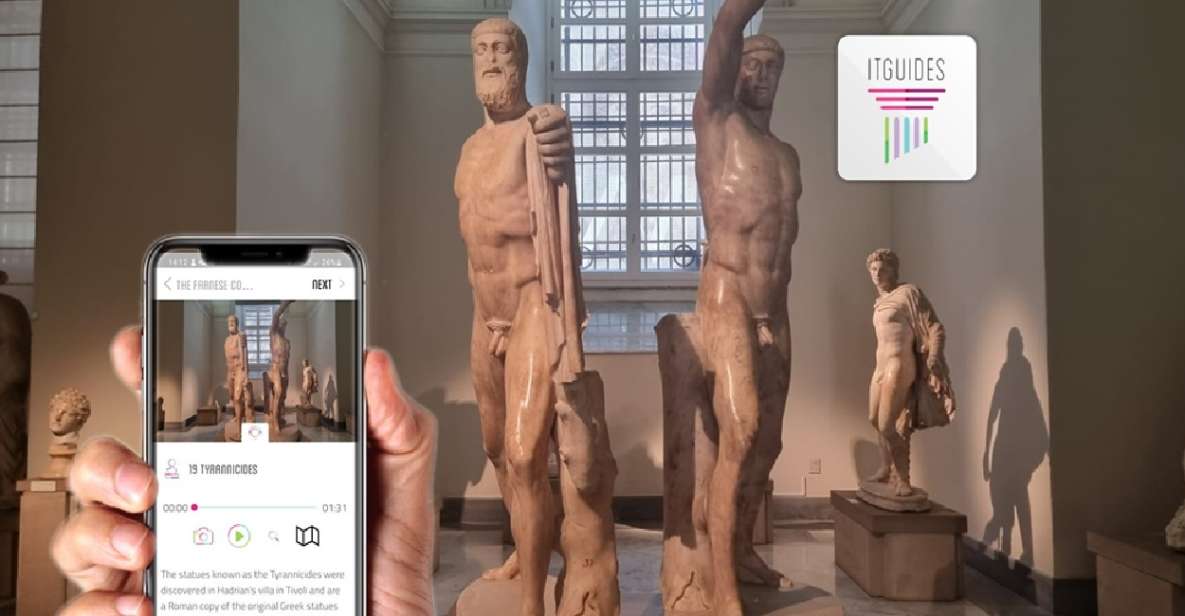
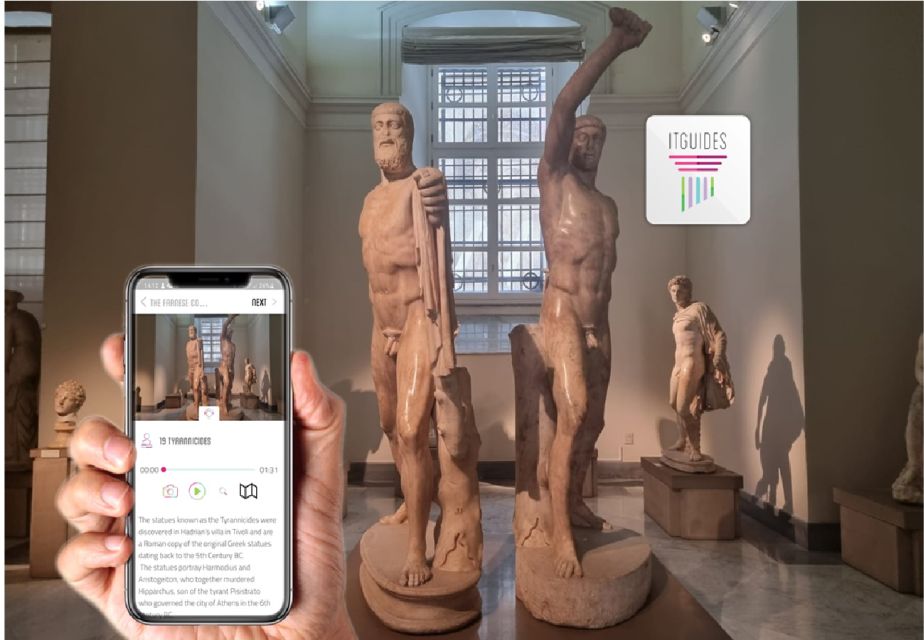
At MANN, you’ll be dealing with indoor galleries and collections. The app addresses that with additional internal structure. The guide splits larger collections into sections, including examples like the Farnese collection and the Egypt collection.
That’s the kind of organization that helps when you’re staring at rooms full of objects. Otherwise, museum audio can turn into random trivia. Here, the sectioning is meant to keep you connected to what you’re seeing.
A practical note: if you plan to use the app for both outdoor geolocation and indoor museum audio on the same day, keep an eye on your phone battery and signal. Museum days can tempt you to run camera apps or map apps constantly, which may be where iOS quirks show up.
Villa di Poppea (Oplontis): The Stop That Can Feel Like a Bonus

Not every trip includes Oplontis, even though it’s part of the package. The included audio guide for Villa di Poppea (Oplontis) can be a big reason to buy this bundle instead of just focusing on the headline sites.
The value here is simple: you get an extra layer of context for the region beyond the two most famous ruins. If you like the idea of adding a less obvious stop without adding more planning stress, this fits.
The app also claims to support outdoors with geo localization. That means you should be able to rely on the map-based navigation when you reach Oplontis.
As with everything in this package, the key is that the content is pre-built into the app. You’re not waiting for a specific tour time. You’re just choosing when to walk in and when to press play.
Naples City Center: Turning Transit Into Learning
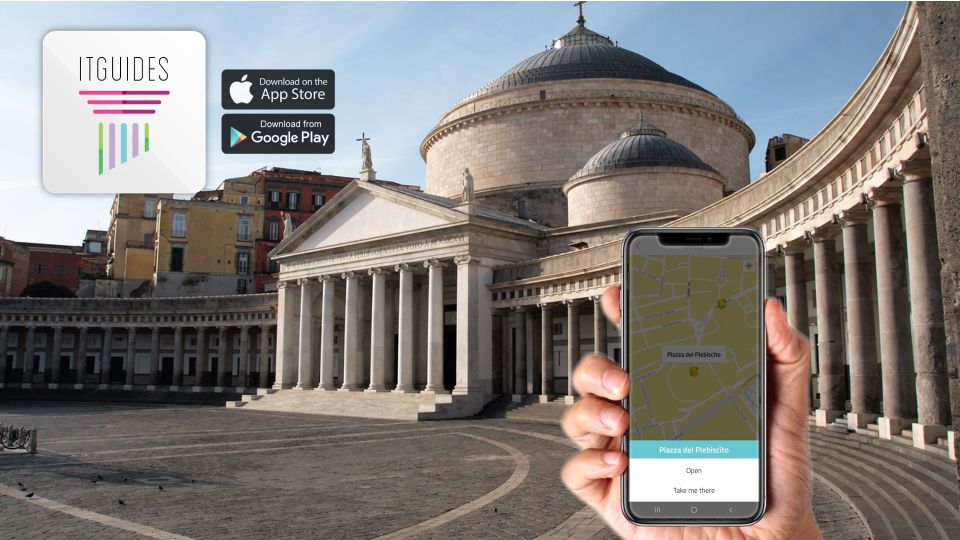
This package also includes Naples city center audio. That’s a helpful way to use downtime during the trip.
You can think of it like this: you’ll spend time moving between ruins, museum stops, and transit. Having audio content for Naples city center means those “between moments” can become something more than logistics.
It also makes your trip feel more like a single storyline. Instead of separate days of unrelated sightseeing, you get a connected guide that stays within the same app.
Just keep expectations realistic. The app is meant to guide and inform, not replace in-person conversation. If you want deep local nuance, you’ll still want to ask questions on the ground. But for structure and orientation, city audio can be a big help.
Support, App Quirks, and What to Do if It Goes Off Track
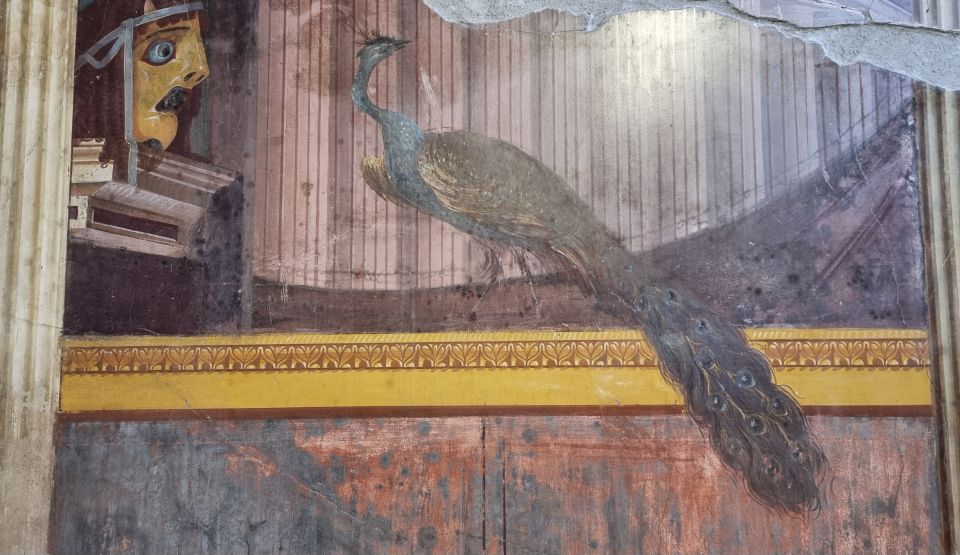
You’re paying for independence, but independence still needs a safety net. This app includes WhatsApp support inside the app, which is a big practical feature.
If you run into issues, use that support fast. The longer you wait, the more your day gets scrambled.
Now, the honest downside. iOS app behavior can be a problem. One common issue described is that the app can reset voice dialogues and your selected city/map if you switch to your phone camera or other apps during playback. If you’re the type who takes lots of photos and constantly toggles apps, you may have to accept that the audio flow could break.
There’s also feedback that some sites are not flagged correctly sometimes. That doesn’t mean every location will be wrong, but it does mean you should keep an eye on what you’re seeing and be willing to re-select the relevant section if needed.
And one more caution: make sure you redeem or set it for the right dates. One account mentioned buying for the wrong dates and losing that value. That’s not the kind of mistake you can fix on the fly once you’re on-site.
Who This Is Best For (and Who Should Skip It)
This audio guide package is a good fit if you want:
- Self-guided flexibility at Pompeii, Herculaneum, Vesuvius, and Naples
- A single app for multiple major stops in Campania
- Clear organization for complex areas (including Big Domus-style sections and named museum collections like Farnese and Egypt)
- A lower-cost option that can feel like a guide without the group pressure
It may not be your best choice if:
- You need an app that never hiccups and you rely heavily on switching between apps during visits.
- You’re traveling with limited phone battery and you don’t plan to bring a power bank.
- You want tickets bundled into the experience. This guide is audio only—no tickets are included.
If you like planning ahead and you enjoy learning as you walk, you’re the target audience.
Should You Book This Campania Audio Guide Package?
I’d book it if you’re coming to Campania for the big names and you want to stay independent without adding multiple guided tour costs. The bundle’s biggest strength is the way it covers Pompeii + Herculaneum + Vesuvius + MANN + Oplontis + Naples city center under one digital umbrella.
I’d hesitate if you’re easily annoyed by smartphone app glitches or you know you’ll constantly switch to your camera and maps. In that case, consider using a solid earphone setup, keep battery charged, and expect a bit of manual correction if a geo pin doesn’t match perfectly.
My practical call: if you can handle an app-based experience and you download everything before you start, this is a strong value way to “learn while walking” through Campania.
FAQ
What sites are included in the Campania audio guide?
The app includes audio guides for Pompeii, Herculaneum, MANN (Archaeological Museum of Naples), Vesuvius, Villa di Poppea (Oplontis), and Naples city center.
Are entrance tickets included with this experience?
No. Tickets are not included. You’ll need to handle admission on your own.
Do I need a smartphone to use this audio guide?
Yes. You need an Android or Apple smartphone. The app is designed for use with your device, and earphones are recommended but not required.
Will I have a meeting point?
No. This is a self guided experience, so there is no meeting point.
How do I get the audio guides after I purchase?
You receive instructions to download and redeem the audioguide in your voucher. It’s best to do this before you start the visits.
Is there support if the app doesn’t work right?
Yes. The app provides a WhatsApp contact for support if you have questions or issues while using it.